For Experts & Service Providers
What is a MIFY Expert?
Section titled “What is a MIFY Expert?”A MIFY Expert is a professional who earns money on the platform — by selling services, building solutions, creating plugins, or customizing workflows for clients.
How You Earn
Section titled “How You Earn”1. Sell Solutions and Templates
Section titled “1. Sell Solutions and Templates”Build workflow templates and sell them:
- Create solutions from your best workflows
- Set pricing (one-time or subscription)
- Buyers purchase directly through the marketplace
- 140 existing templates show what’s possible — build on them or create something new
2. Offer Services
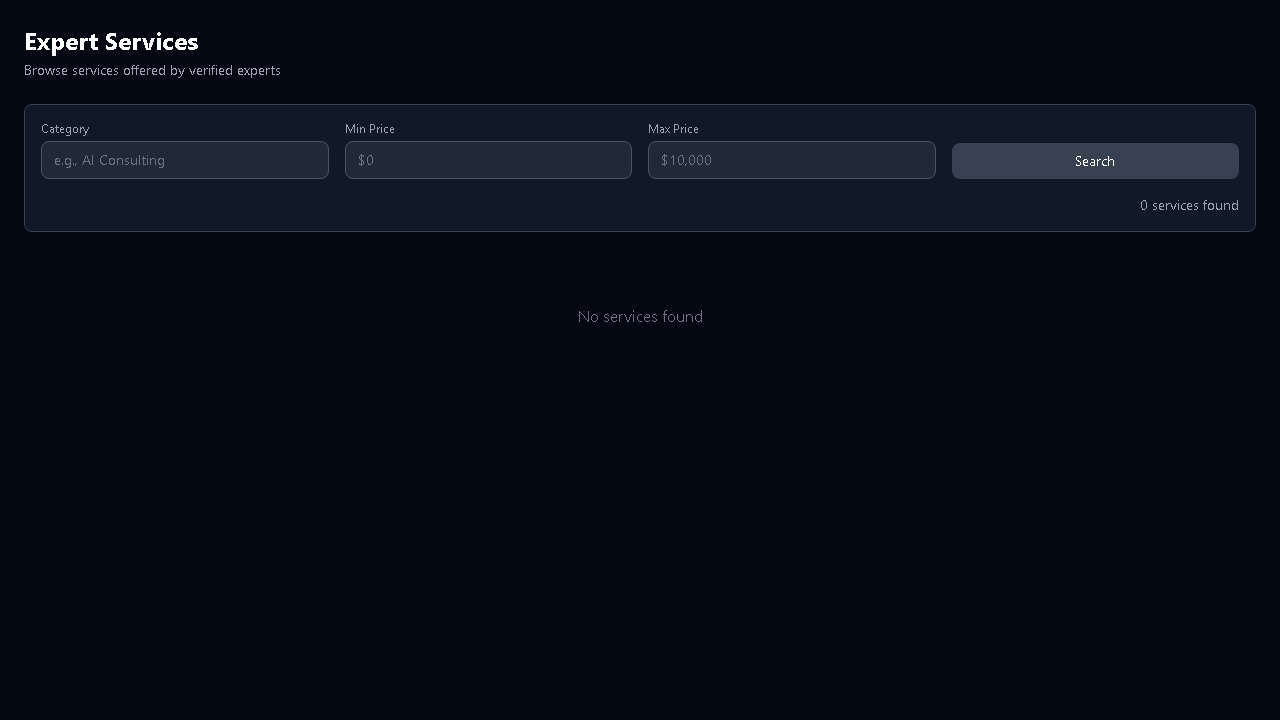
Section titled “2. Offer Services”List your professional services at /services/create:
- AI workflow consulting
- Custom workflow development
- Platform migration (Flowise/Dify/n8n → MIFY)
- Training and onboarding
- Content generation setup
3. Respond to Jobs
Section titled “3. Respond to Jobs”Browse job postings at /jobs from organizations needing expertise:
- Submit proposals with approach and pricing
- Negotiate scope and timeline
- Get paid through escrow
4. Build and Sell Plugins
Section titled “4. Build and Sell Plugins”Create custom nodes, adapters, or integrations and sell them on the plugin marketplace:
npx mify-plugin init my-pluginnpx mify-plugin devnpx mify-plugin publishPlugins appear at /plugins/marketplace for all MIFY users.
5. Referrals
Section titled “5. Referrals”Earn credits by referring new users. Track at /referrals.
Building Solutions
Section titled “Building Solutions”The Visual Canvas
Section titled “The Visual Canvas”Build client solutions on the drag-and-drop canvas — 117 nodes across 24 categories. Your clients see polished workflows; you handle the complexity.
AI Provider Selection
Section titled “AI Provider Selection”Choose the right AI for each client:
- Fast tier for cost-sensitive clients
- Balanced for typical use
- Accurate for quality-critical workflows
- 108+ providers to choose from
Content Generation
Section titled “Content Generation”Offer image/video generation services:
- MIFY Queue for GPU-powered generation
- AI Provider for text and quick images
- ComfyUI Local for custom model workflows
Knowledge Bases
Section titled “Knowledge Bases”Build RAG-powered solutions for clients:
- Ingest their documents (PDF, Word, HTML, CSV)
- Create searchable knowledge bases
- Build chat interfaces backed by their data
HITL Workflows
Section titled “HITL Workflows”Design approval workflows where client teams review AI output:
- Configure who approves what
- Set escalation timers
- Build multi-stage review pipelines
Your Profile and Reputation
Section titled “Your Profile and Reputation”Getting Verified
Section titled “Getting Verified”| Tier | Requirements | Benefits |
|---|---|---|
| Basic | Email verified | Can list services |
| Enhanced | Identity + portfolio verification | Trust badge, better visibility |
| Premium | Full professional verification | Featured placement, broker access |
Reviews and Ratings
Section titled “Reviews and Ratings”Every completed job builds your reputation:
- Star ratings from clients
- Written reviews on your profile
- You can respond to reviews
- Completion rate and average rating tracked
Portfolio
Section titled “Portfolio”Showcase at /experts/[your-id]:
- Workflow examples with descriptions
- Client testimonials
- Skills and specializations
- Response time and availability
Payments
Section titled “Payments”All payments through escrow:
- Client pays → funds held in escrow
- You deliver the work
- Client approves → funds released
- Disputes handled by the platform
Manage earnings at /dashboard/earnings, payouts at /settings/payouts.
Revenue Tiers (for Marketplace Sales)
Section titled “Revenue Tiers (for Marketplace Sales)”Volume-based commission on marketplace transactions:
| Your Total Volume | Base Rate |
|---|---|
| Under $10K | 10% |
| $10K–$50K | 8% |
| Over $50K | 5% |
Communication
Section titled “Communication”- Messages at
/messages— direct messaging with clients - Inbox at
/inbox— unified view of messages, approvals, notifications - Teams at
/teams— collaborate with other experts on larger projects
Expert Tools
Section titled “Expert Tools”| Tool | Path | Purpose |
|---|---|---|
| Your Profile | /experts/[id] | Public profile |
| Create Service | /services/create | List a service |
| My Services | /services/my | Manage offerings |
| Job Board | /jobs | Browse and bid |
| My Jobs | /jobs/my | Track active jobs |
| Teams | /teams | Collaborate |
| Earnings | /dashboard/earnings | Track income |
| Messages | /messages | Client communication |
| Referrals | /referrals | Referral rewards |
| Plugin Marketplace | /plugins/marketplace | Sell plugins |
Getting Started
Section titled “Getting Started”- Create your profile at
/experts - Get verified — start with Basic
- List services at
/services/create - Browse jobs at
/jobs - Build a template and list it for sale
- Build a plugin and publish it