Course 3: MIFY for Business — Chapter 5
Chapter 5: Audit and Compliance
Section titled “Chapter 5: Audit and Compliance”Use MIFY’s audit and security features for regulated environments.
What You’ll Learn
Section titled “What You’ll Learn”- Using the audit log for compliance
- Data classification and DLP
- Security best practices
Audit Log
Section titled “Audit Log”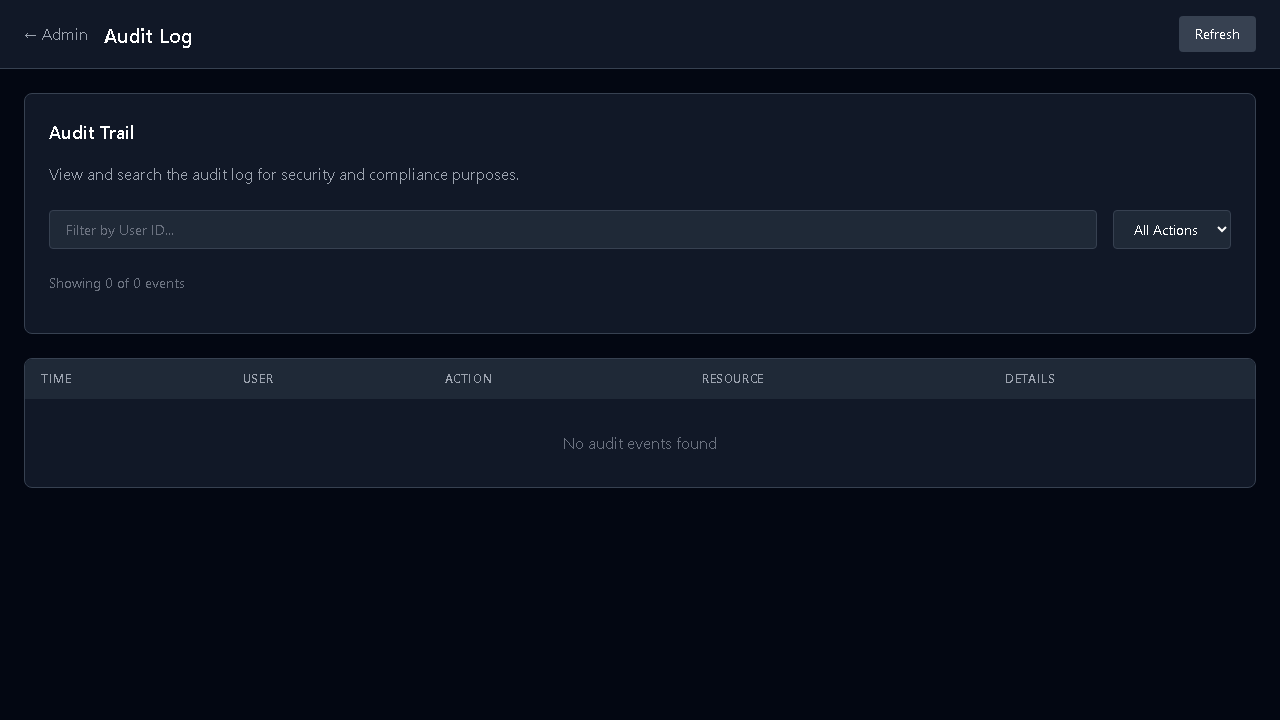
Every significant action is logged at /admin/audit:
- Workflow executions (who, when, what)
- HITL decisions (approved/rejected, by whom)
- Configuration changes
- Authentication events
Features:
- Checksum chaining — tamper-evident (each entry references the previous)
- Category-specific retention — auth logs 365 days, security events up to 7 years
- Export — JSON and CSV for compliance reporting
- Integrity verification — detect if logs have been modified
Data Classification
Section titled “Data Classification”MIFY automatically classifies data flowing through workflows:
| Classification | Examples | Protection |
|---|---|---|
| Public | Marketing content | Normal handling |
| Internal | Business reports | Logged, access-controlled |
| Confidential | Customer PII | Restricted, DLP patterns active |
| Restricted | Financial data, secrets | Hash-only logging, no-storage mode |
DLP (Data Loss Prevention)
Section titled “DLP (Data Loss Prevention)”Built-in detection patterns:
- Social Security Numbers
- Credit card numbers
- API keys and tokens
- AWS keys, GitHub PATs
- Private keys
When detected, MIFY can: redact, block, alert, or log only.
Execution Comparison
Section titled “Execution Comparison”For compliance workflows, compare runs side-by-side:
- Set a baseline execution
- Compare new runs against the baseline
- See what changed in inputs, outputs, and AI responses
- Useful for: regression testing, model drift detection, audit reviews
Security Checklist for Business
Section titled “Security Checklist for Business”| Setting | Where | Recommended |
|---|---|---|
| Enable SSO | /admin/org/security | Yes for enterprise |
| Set workspace policies | /admin/workspaces/[id]/security | Per-team restrictions |
| Configure audit retention | /admin/audit | Match your compliance requirements |
| Enable DLP | /admin/policy | Yes for regulated industries |
| Review credential access | /admin/quota | Regular access reviews |
| Set budget caps | /admin/quota | Prevent cost overruns |
Course 3 Knowledge Check
Section titled “Course 3 Knowledge Check”- How do you set up user roles? → Admin → Identity (
/admin/identity) - What are the three user roles? → Admin, User, Expert
- How does the policy engine resolve conflicts? → Deny-takes-precedence
- How do you export audit logs? →
/admin/audit→ Export (JSON/CSV) - What are the four data classification levels? → Public, Internal, Confidential, Restricted
Previous: Chapter 4 — Cost Control | Back to Courses