Course 3: MIFY for Business — Chapter 4
Chapter 4: Cost Control and Budgeting
Section titled “Chapter 4: Cost Control and Budgeting”Keep AI costs predictable with quotas, budgets, and provider tier management.
What You’ll Learn
Section titled “What You’ll Learn”- Setting up usage quotas
- Tracking costs per user, team, and workflow
- Optimizing provider selection for cost
Quota Management
Section titled “Quota Management”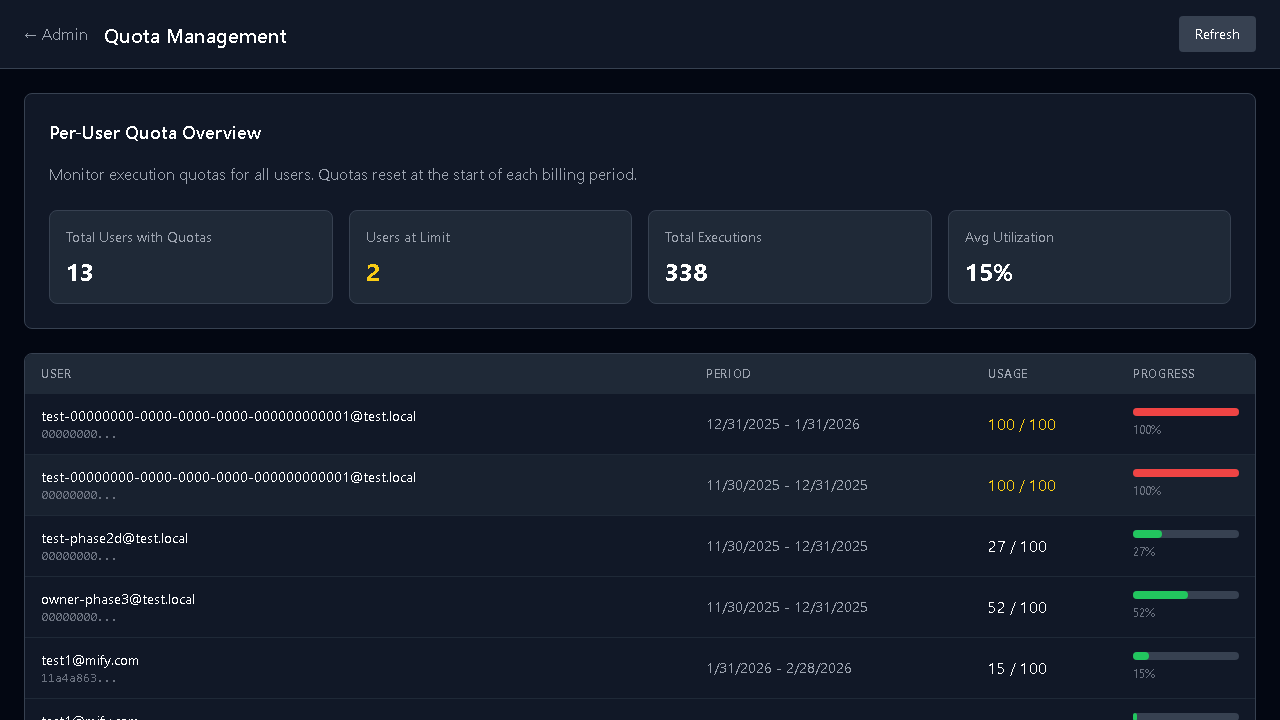
Configure at /admin/quota:
| Tier | Token Limit/Month | API Calls/Minute |
|---|---|---|
| Free | 100K tokens | 10 calls/min |
| Starter | 1M tokens | 50 calls/min |
| Pro | 10M tokens | 200 calls/min |
| Enterprise | 100M tokens | 1000 calls/min |
Budget Caps
Section titled “Budget Caps”Set spending limits:
- Daily cap — stops execution if daily spend exceeds limit
- Weekly cap — alerts at 80%, blocks at 100%
- Monthly cap — prevents overspend across billing periods
Usage Tracking
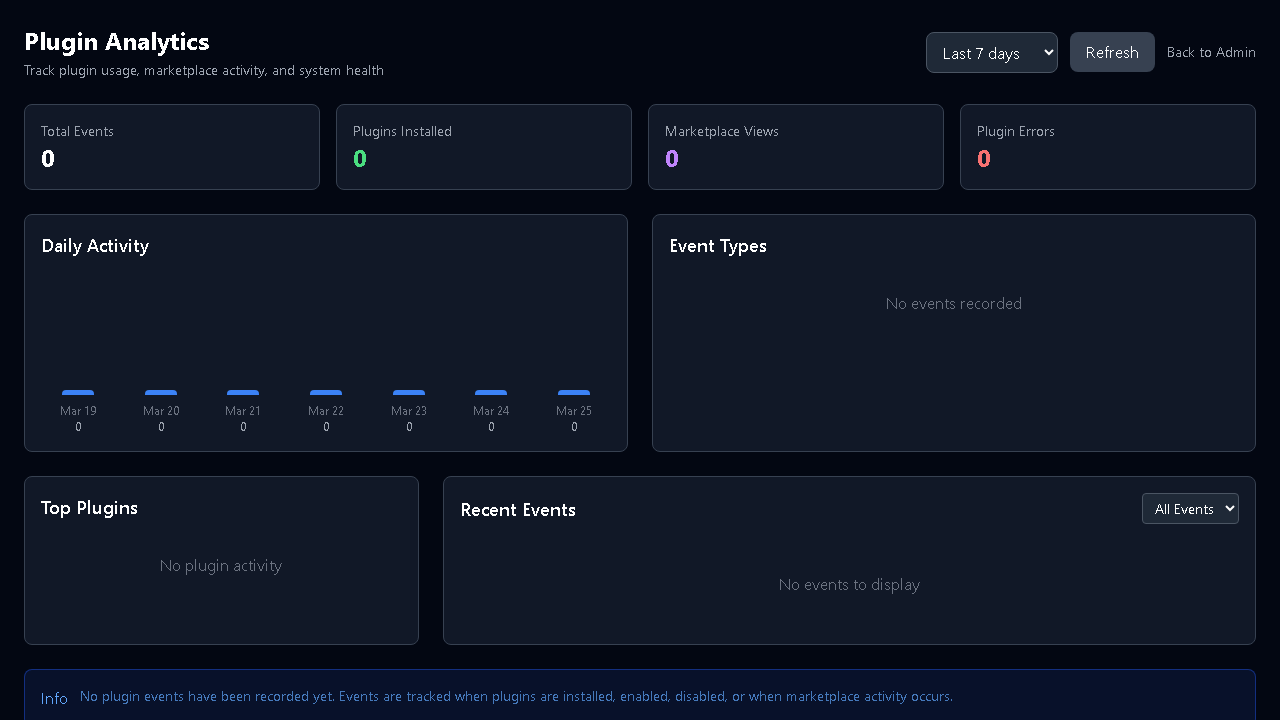
Section titled “Usage Tracking”Monitor at /settings/usage (per-user) or /admin/usage (organization-wide):
- Cost per workflow
- Cost per AI provider
- Token consumption trends
- Top users by spend
Provider Cost Optimization
Section titled “Provider Cost Optimization”Use provider tiers strategically:
| Use Case | Recommended Tier | Cost Impact |
|---|---|---|
| Internal drafts | Fast (GPT-4o-mini, Haiku) | Lowest |
| Customer-facing content | Balanced (GPT-4o, Sonnet) | Medium |
| Legal/compliance | Accurate (GPT-4, Opus) | Highest |
| Local/free | Ollama (phi3, llama) | Zero |
Exercise
Section titled “Exercise”- Review current quota settings at
/admin/quota - Check usage dashboard at
/admin/usage - Set a daily budget cap for your workspace
- Compare the cost of running the same workflow on Fast vs Accurate tiers
Previous: Chapter 3 — Approvals | Next: Chapter 5 — Audit and Compliance