Course 3: MIFY for Business — Chapter 3
Chapter 3: Configuring Approval Workflows
Section titled “Chapter 3: Configuring Approval Workflows”Set up human-in-the-loop workflows that ensure quality and compliance.
What You’ll Learn
Section titled “What You’ll Learn”- Designing multi-stage approval pipelines
- Configuring escalation policies
- Using the policy engine for automated rules
Multi-Stage Approval
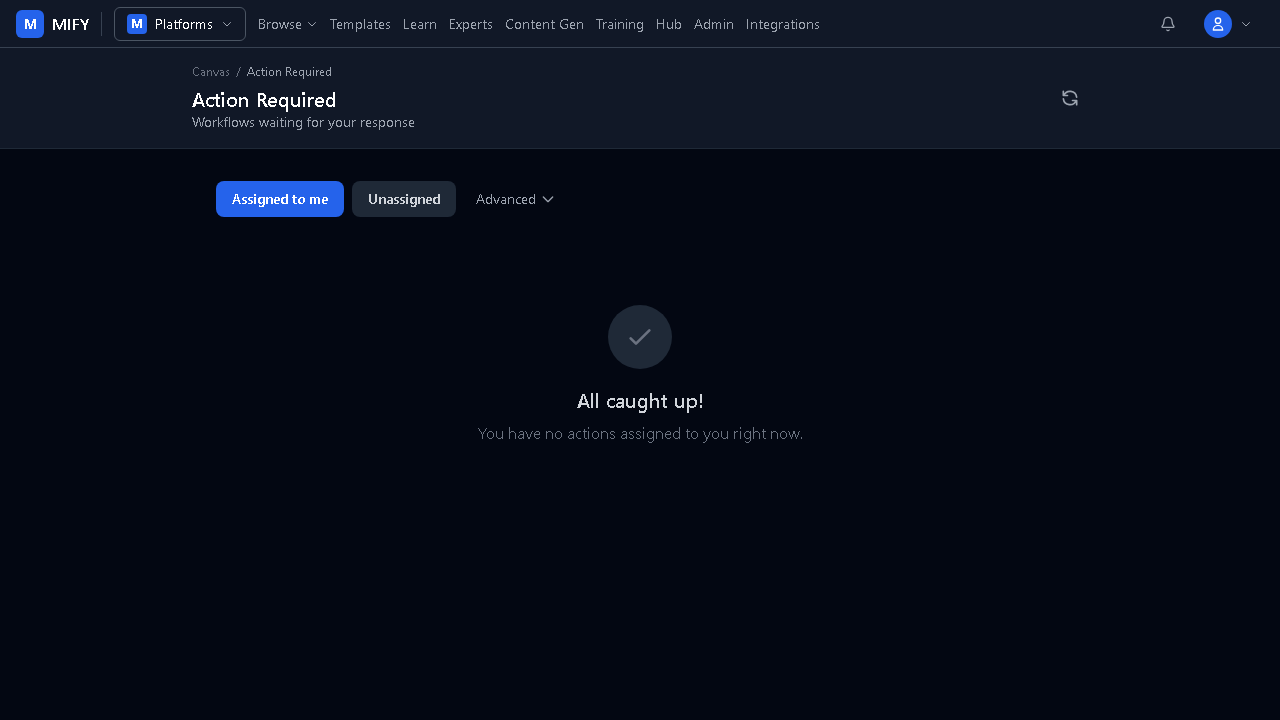
Section titled “Multi-Stage Approval”AI generates content → Junior reviewer approves style/tone → Senior reviewer approves accuracy → Compliance officer checks regulations → PublishedEach stage uses a Pause node. Each reviewer sees their pending items in the Inbox.
Escalation Policies
Section titled “Escalation Policies”Configure at /admin/notifications:
- If no response in 1 hour → remind via email
- If no response in 4 hours → escalate to manager via Slack
- If no response in 24 hours → auto-approve or auto-reject
Policy Engine
Section titled “Policy Engine”Define rules at /admin/policy:
| Rule Type | What It Does |
|---|---|
| require_approval | Force human review for specific actions |
| time_window | Only allow execution during business hours |
| rate_limit | Cap how many times a workflow can run |
| data_filter | Block workflows from processing sensitive data |
Policies are evaluated with deny-takes-precedence — if any rule denies, the action is blocked regardless of other rules.
Audit Trail
Section titled “Audit Trail”Every approval decision is logged:
- Who approved/rejected
- When and from which device
- What the AI produced
- Full execution trace
Export at /admin/audit for compliance reporting.
Exercise
Section titled “Exercise”- Build a workflow with two Pause nodes (two-stage approval)
- Run it — approve at the first stage, reject at the second
- Check the audit log at
/admin/audit - Configure a notification rule at
/admin/notifications
Previous: Chapter 2 — Templates | Next: Chapter 4 — Cost Control