Course 2: Building with MIFY — Chapter 3
Chapter 3: Content Generation Workflows
Section titled “Chapter 3: Content Generation Workflows”Generate images, video, and text through MIFY’s three execution paths.
What You’ll Learn
Section titled “What You’ll Learn”- The three content generation paths
- How to submit generation jobs via API
- How to track job status and retrieve results
Three Paths
Section titled “Three Paths”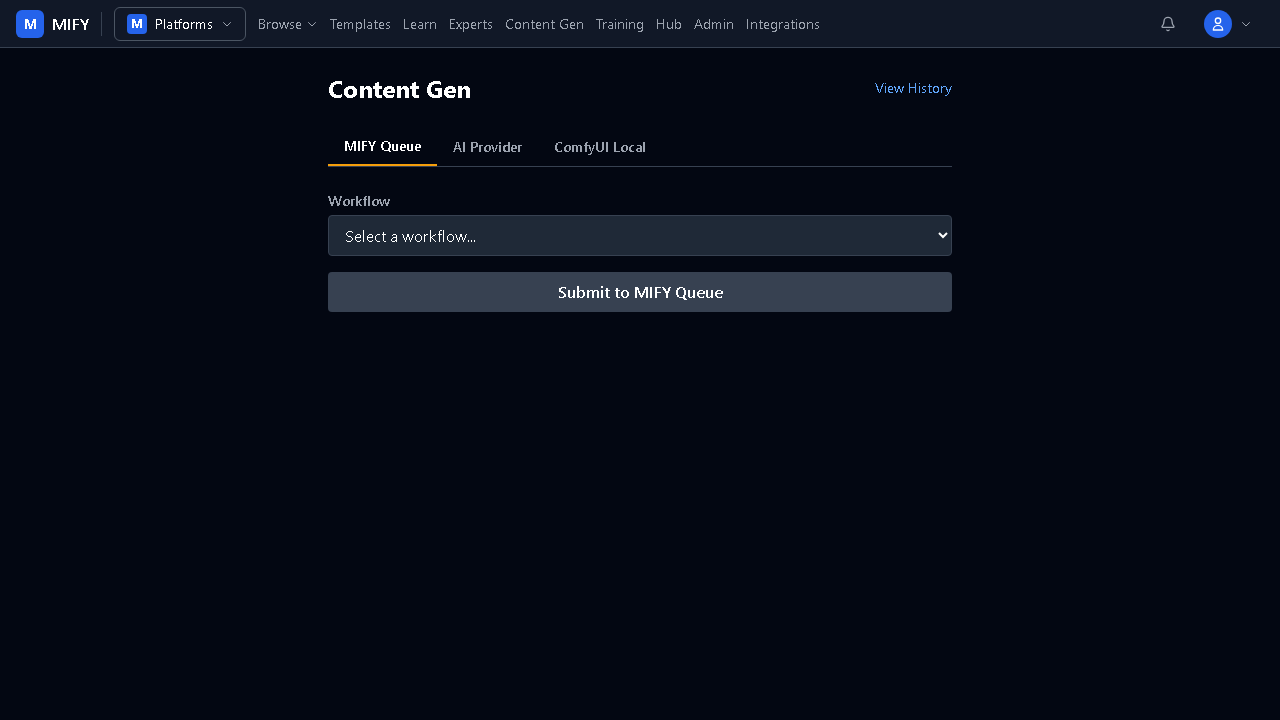
| Path | API Endpoint | How It Works |
|---|---|---|
| MIFY Queue | POST /api/content-gen/queue | Async — submits to GPU providers, webhook callback |
| AI Provider | POST /api/content-gen/provider | Sync or SSE streaming |
| ComfyUI Local | POST /api/content-gen/comfyui-local/finalize | Local GPU execution |
Path 1: AI Provider (Sync)
Section titled “Path 1: AI Provider (Sync)”Fastest for text and quick image generation:
curl -X POST \ -H "Authorization: Bearer mify_xxx" \ -H "Content-Type: application/json" \ -d '{ "provider": "OpenAI", "model": "gpt-4o", "input": {"prompt": "Write a product description for a smart water bottle"}, "outputType": "text" }' \ https://your-instance/api/content-gen/providerPath 2: MIFY Queue (Async GPU)
Section titled “Path 2: MIFY Queue (Async GPU)”For high-quality image/video generation:
curl -X POST \ -H "Authorization: Bearer mify_xxx" \ -H "Content-Type: application/json" \ -d '{ "workflowSlug": "sdxl-txt2img", "overrides": {"positive_prompt": "a sunset over mountains, photorealistic"}, "idempotencyKey": "unique-key-123" }' \ https://your-instance/api/content-gen/queueReturns a runId. Check status:
curl -H "Authorization: Bearer mify_xxx" \ https://your-instance/api/content-gen/runs/{runId}Tracking History
Section titled “Tracking History”# List all your generationscurl -H "Authorization: Bearer mify_xxx" \ https://your-instance/api/content-gen/runs
# Delete from historycurl -X DELETE -H "Authorization: Bearer mify_xxx" \ https://your-instance/api/content-gen/runs/{runId}Exercise
Section titled “Exercise”- Generate text via the Provider path using
curl - Submit an image generation job via the Queue path
- Poll the run status until it completes
- List all your generation history via API
- Try the same in the UI at
/content-gen
Previous: Chapter 2 — RAG Pipeline | Next: Chapter 4 — Creating a Plugin