Course 2: Building with MIFY — Chapter 2
Chapter 2: Building a RAG Pipeline
Section titled “Chapter 2: Building a RAG Pipeline”Build a document Q&A system that answers questions using your own files.
What You’ll Learn
Section titled “What You’ll Learn”- How to create a knowledge base
- How to ingest documents
- How to query with semantic search
What is RAG?
Section titled “What is RAG?”Retrieval-Augmented Generation means: before asking the AI a question, first search your documents for relevant context, then give that context to the AI along with the question. The AI’s answer is grounded in your data, not just its training.
User asks question → Search knowledge base for relevant chunks → Give chunks + question to AI → AI answers using your documents as contextStep 1: Create a Knowledge Base
Section titled “Step 1: Create a Knowledge Base”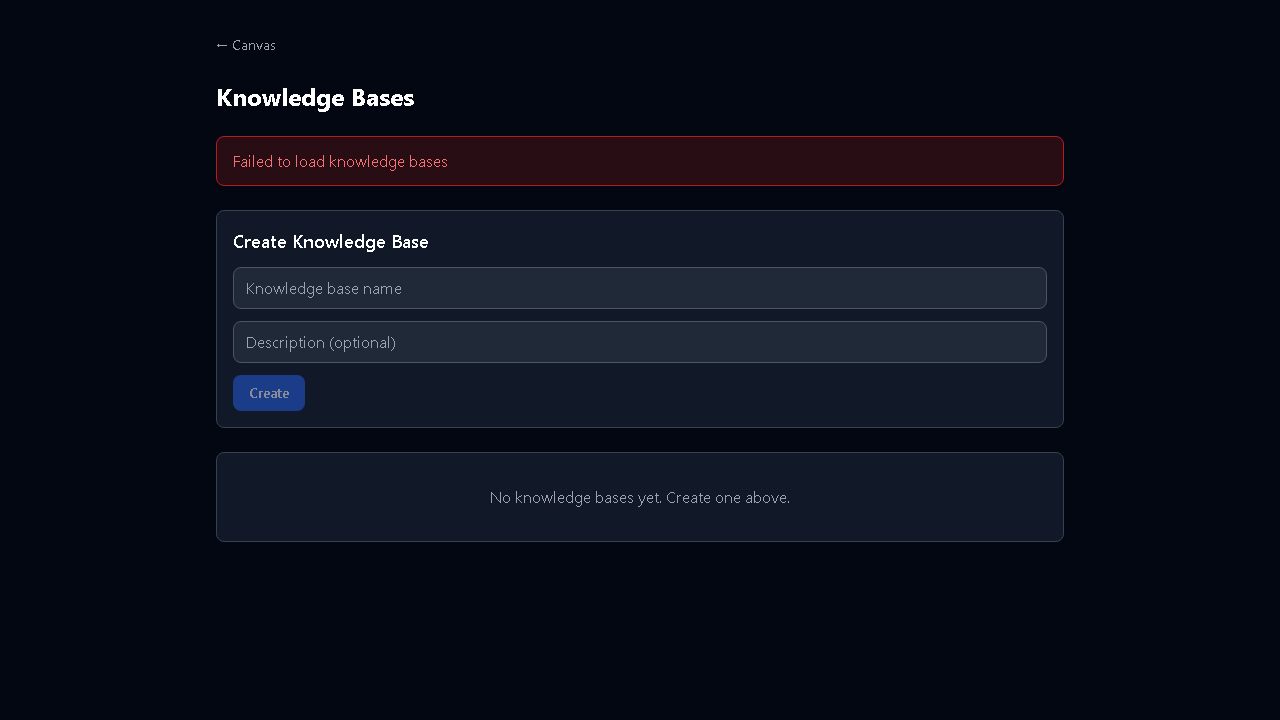
In the UI: go to /knowledge → Create Knowledge Base. Via API:
curl -X POST \ -H "Authorization: Bearer mify_xxx" \ -H "Content-Type: application/json" \ -d '{"name": "Company Docs", "description": "Internal documentation"}' \ https://your-instance/api/knowledge-basesStep 2: Ingest Documents
Section titled “Step 2: Ingest Documents”Upload files (PDF, Word, HTML, CSV, Markdown, JSON, Text):
curl -X POST \ -H "Authorization: Bearer mify_xxx" \ -F "file=@./document.pdf" \ https://your-instance/api/knowledge-bases/{id}/ingestMIFY automatically:
- Splits the document into chunks (512 tokens each)
- Creates embeddings using your configured model
- Stores vectors in pgvector for semantic search
Step 3: Search
Section titled “Step 3: Search”curl -X POST \ -H "Authorization: Bearer mify_xxx" \ -H "Content-Type: application/json" \ -d '{"query": "What is our return policy?", "topK": 5}' \ https://your-instance/api/knowledge-bases/{id}/searchReturns the top 5 most relevant document chunks.
Step 4: Build the Workflow
Section titled “Step 4: Build the Workflow”On the canvas, build:
Manual Trigger → Retrieve Node (searches KB) → Chat Node (answers with context)The Retrieve node searches your knowledge base. The Chat node receives the retrieved chunks as context and generates an answer.
Exercise
Section titled “Exercise”- Create a knowledge base at
/knowledge - Upload 3-5 documents (PDFs, text files, etc.)
- Build the RAG workflow on the canvas
- Ask questions and verify the AI answers from your documents
- Try the same via API
Previous: Chapter 1 — API Basics | Next: Chapter 3 — Content Generation